Enhance Your Browsing with Powerful Extensions
Discover amazing browser extensions that boost productivity, enhance security, and customize your browsing experience. From quick notes to advanced tools, find the perfect extensions for your workflow.
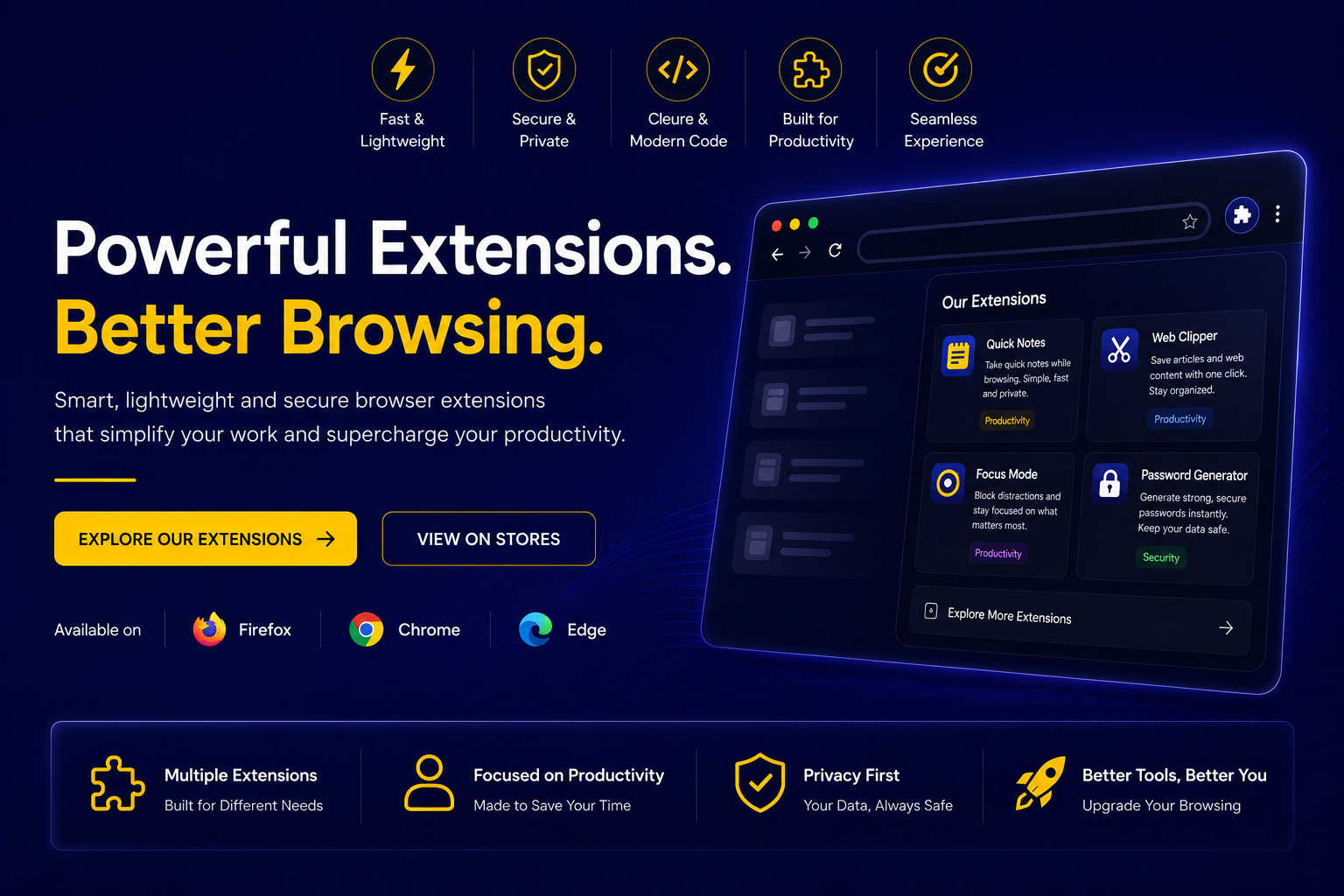
Powerful Extensions for Enhanced Browsing
Discover extensions that streamline your workflow, protect your privacy, and customize your browsing experience
Note Taking
Capture ideas, reminders, and important information instantly without leaving your current page. Perfect for researchers and content creators.
Privacy & Security
Advanced protection against trackers, malicious scripts, and data collection. Keep your browsing history and personal information secure.
Download Management
Professional download acceleration with resume capability, batch downloads, and automatic file organization for power users.
Enhanced Search
Powerful search tools with advanced filtering, multiple search engines, and intelligent result ranking for faster information discovery.
Interface Customization
Complete browser customization with themes, layouts, toolbars, and UI modifications to match your workflow and aesthetic preferences.
Performance Optimization
Streamline your browsing experience with ad blocking, content caching, script optimization, and memory management for faster page loads.
Our Featured Extensions
Discover powerful browser extensions designed to enhance your productivity and browsing experience
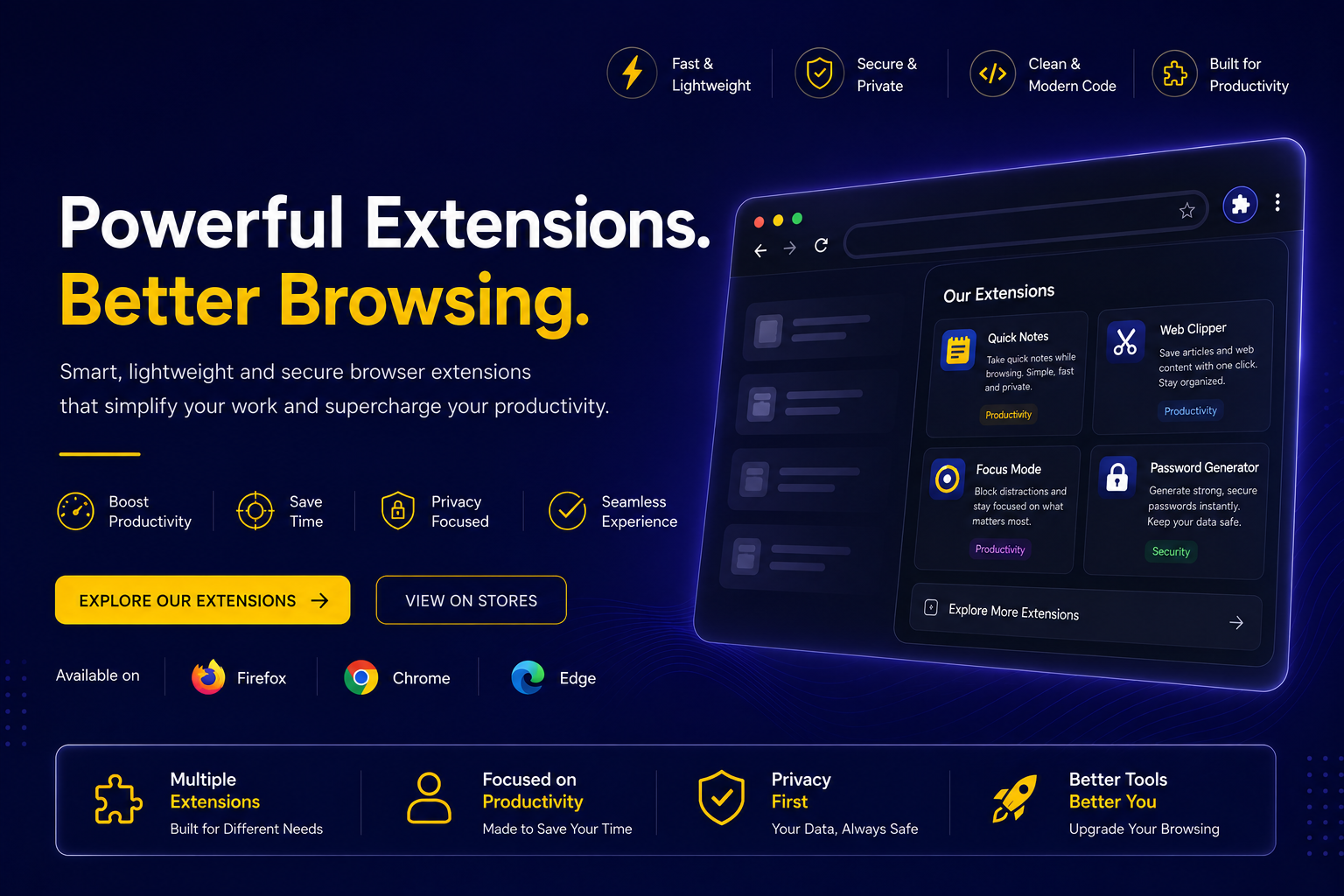
Quick Notes Extension
Quick Notes Extension helps you quickly save notes, ideas, tasks, and reminders directly from your browser. Lightweight, fast, and easy to use with popup and sidebar support.
Getting Started in 3 Simple Steps
Install and configure your extensions in minutes
Choose Your Browser
Select your preferred browser (Chrome, Firefox, Edge, etc.) and visit its extension store.
Find & Install
Search for the extension by name and click "Add to Browser" or "Install" to add it to your browser.
Configure & Enjoy
Access extension settings through your browser's menu and start enjoying enhanced browsing capabilities.
Frequently Asked Questions
Everything you need to know about our extensions
Yes! Our extensions are designed to work with all modern browsers including Chrome, Firefox, Edge, and others. We regularly update them to ensure compatibility with the latest browser features.
Absolutely! All modern browsers support multiple extensions running simultaneously. Our extensions are optimized to work well together without conflicts.
No, our extensions prioritize user privacy. We only collect data necessary for functionality and never share personal information with third parties.
Yes! We offer free versions with core features on all major browser extension stores. Premium versions unlock advanced features, priority support, and regular updates.
We provide comprehensive documentation, community forums, and responsive support. Premium users get priority email support and direct developer access.
Ready to Transform Your Browsing?
Join thousands of users using our extensions to enhance productivity and customize their browsing experience across all modern browsers.